What Is Copilot Studio? What It Does and When to Use It
Copilot Studio is not Copilot. It is the tool that builds the custom agents Copilot alone cannot. Here is what that means in practice.

Adam Nameh
October 6, 2026 · 7 min read
In This Article
- What Copilot Studio builds
- Who uses Copilot Studio
- A concrete example
- What Copilot Studio needs before you start
- Copilot Studio vs. building an agent from scratch
- Where MCP support comes in
- Common first-project mistakes
- A step-by-step first build in Copilot Studio
- How governance should work alongside building
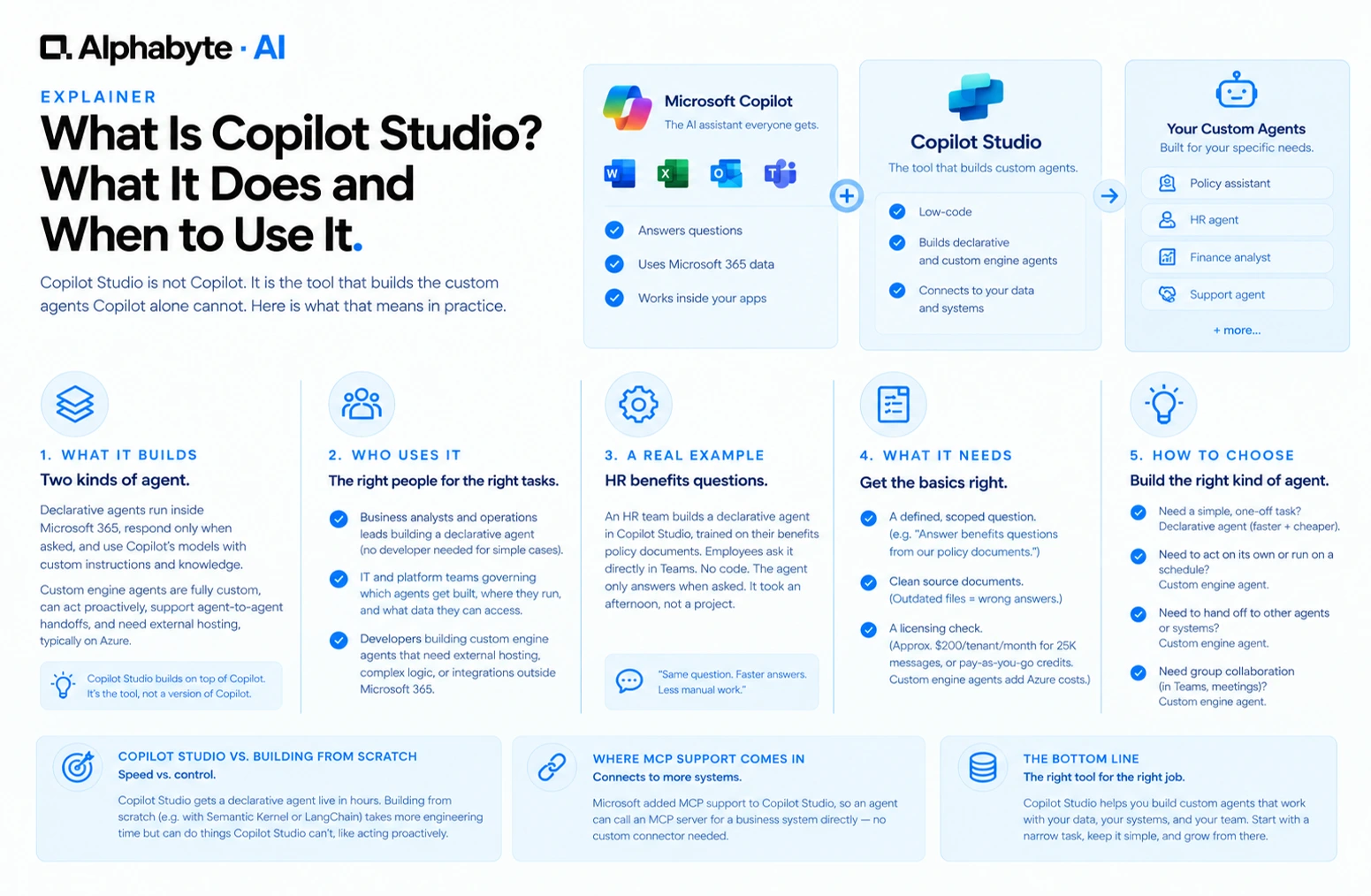
Copilot Studio is Microsoft's low-code tool for building custom AI agents on top of Copilot, rather than a version of Copilot itself. If standard Copilot is the AI assistant everyone gets, Copilot Studio is what a company uses to build a version of it trained on their own policies, connected to their own systems, and scoped to one specific job.
What Copilot Studio Builds
Two kinds of agent, both covered in more depth in our guide to Copilot agents. Declarative agents run entirely inside Microsoft 365, respond only when asked, and use Copilot's existing models and orchestration with custom instructions and knowledge layered on top. Custom engine agents are fully custom, can act proactively without a prompt, support agent-to-agent handoffs, and need external hosting, typically on Azure.
Who Uses Copilot Studio
Business analysts and operations leads building a declarative agent trained on a specific policy document or process, with no developer required for the simplest cases.
IT and platform teams governing which agents get built, where they run, and what data they can access across the company.
Developers building custom engine agents that need external hosting, complex logic, or integration with systems outside Microsoft 365.
A Concrete Example
An HR team fields the same handful of benefits questions every week. Instead of writing a new FAQ document nobody reads, someone builds a declarative agent in Copilot Studio, points it at the actual benefits policy documents, and lets employees ask it directly inside Teams. No code was written. The agent only answers when asked. It took an afternoon, not a project.
What Copilot Studio Needs Before You Start
A defined, scoped question. "Answer benefits questions from our policy documents" works. "Help with HR" does not, since an agent needs to know what it is allowed to answer.
Clean source documents. An agent trained on an outdated policy PDF will confidently give outdated answers. Confirming the source is current matters more than the build itself.
A licensing check. Building requires access to Copilot Studio. A standard message pack runs about $200 per tenant per month for 25,000 messages, or usage can run on pay-as-you-go Copilot Credits instead of a fixed pack; a custom engine agent adds Azure hosting costs on top. (Pricing as of October 2026, confirm current figures with Microsoft before budgeting.)
Copilot Studio vs. Building an Agent From Scratch
A company could build a fully custom AI agent from scratch using a framework like Semantic Kernel or LangChain without touching Copilot Studio at all. The trade-off is speed versus control: Copilot Studio's low-code tools get a declarative agent live in hours, while a from-scratch build takes real engineering time but can do things Copilot Studio's declarative agents cannot, like acting proactively without a custom engine agent layer. Microsoft's own decision guide walks through this trade-off in more technical detail.
Where MCP Support Comes In
Microsoft added MCP support to Copilot Studio, which means an agent built there can call an MCP server for a business system directly, rather than needing a custom connector built specifically for Copilot Studio. A CRM's MCP server built for one AI tool works for an agent built in Copilot Studio without separate integration work.
Common First-Project Mistakes
Scoping the first agent too broadly. A single, narrow, well-defined task succeeds far more often than an attempt to build one agent that handles an entire department's questions.
Skipping the source-document check. An agent is only as accurate as what it is trained on, and nobody notices a stale source document until the agent gives a wrong answer confidently.
Building a custom engine agent for a task a declarative agent could handle. This adds hosting cost and build time without adding any capability the simpler option lacked.
A Step-by-Step First Build in Copilot Studio
- Write the one-sentence scope. State exactly what question the agent answers and from which source. If it takes more than one sentence, narrow it further before opening the tool.
- Connect the source document or system. Point the agent at the specific policy document, spreadsheet, or system it should draw from, rather than a general folder with mixed, possibly outdated content.
- Write the instructions in plain language. Copilot Studio's low-code interface takes instructions written the way you would brief a new employee, not code, which is what makes it usable without a developer for this step.
- Test with real questions from a real future user, not just the questions the builder assumes people will ask, since those two lists rarely match exactly.
- Launch to a small group first. A team of five to ten people using the agent for two weeks surfaces gaps in the source content faster than a wide launch does, and with far less exposure if something is wrong.
How Governance Should Work Alongside Building
Because Copilot Studio makes building genuinely fast, a company can end up with more agents than it can govern well within a few months of adoption. A simple registry, listing every agent, who owns it, what data it touches, and when it was last reviewed, keeps this from turning into an unmanaged sprawl of small tools nobody remembers building. IT and platform teams that set this registry up before the first agent ships have a much easier time than those trying to retrofit it after the tenth one appears.
Alphabyte builds agents in Copilot Studio for clients who want a specific, working answer to one real question rather than an open-ended AI project. See our custom AI agents work for examples of scoped builds we have delivered. If you have a specific, repeatable question your team keeps answering manually, talk to our team about whether a Copilot Studio agent is the right fix.
Frequently Asked Questions
Is Copilot Studio included with a regular Copilot license?
A standard message pack costs about $200 per tenant per month for 25,000 messages, and usage beyond that can run on pay-as-you-go Copilot Credits instead. See Microsoft's billing and licensing documentation for current terms. (Last verified October 2026.)
Can a non-technical person really build an agent here?
For a declarative agent answering questions from a defined document, yes. Custom engine agents with external hosting generally need developer involvement.
Does Copilot Studio replace the need for developers entirely?
No. It removes the need for developers on the simplest agent projects, but complex, proactive, or externally integrated agents still benefit from real engineering work.
How is Copilot Studio different from Power Virtual Agents?
Power Virtual Agents was Microsoft's earlier chatbot-building tool and has been folded into Copilot Studio, which now covers a broader range of agent types built on top of Copilot.
Can an agent built in Copilot Studio access systems outside Microsoft 365?
Yes, particularly custom engine agents, which can run in external applications and connect to outside systems, including through MCP servers.
What is the biggest limitation of a declarative agent?
It cannot act on its own. It only responds when someone asks it something, which rules out tasks like a scheduled nightly report or a triggered alert.
How do we know if our first project needs Copilot Studio or just standard Copilot?
If the task is answered well by Copilot's existing general knowledge, you do not need Copilot Studio. If it needs specific company knowledge or a defined, repeatable job, that is when Copilot Studio earns its place.
Does an agent built in Copilot Studio need ongoing licensing beyond the initial build?
Yes. The people using the agent generally need an underlying Copilot license, and a custom engine agent adds ongoing Azure hosting costs for as long as it stays live.
Can multiple teams collaborate on building one agent together?
Yes, particularly for a declarative agent where a business analyst defines the scope and content while IT reviews access and data permissions before launch.
Adam Nameh
Co-Founder, AI Practice. Adam Nameh is the Co-Founder of Alphabyte Solutions Inc., a Toronto-based data and AI consulting firm that has helped over 100 clients across North America turn complex data environments into actionable business intelligence. With a decade of hands-on experience in data architecture and platform design, Adam works directly with leadership teams to deliver practical AI and data solutions that drive real business outcomes.
View full profile →More from the blog
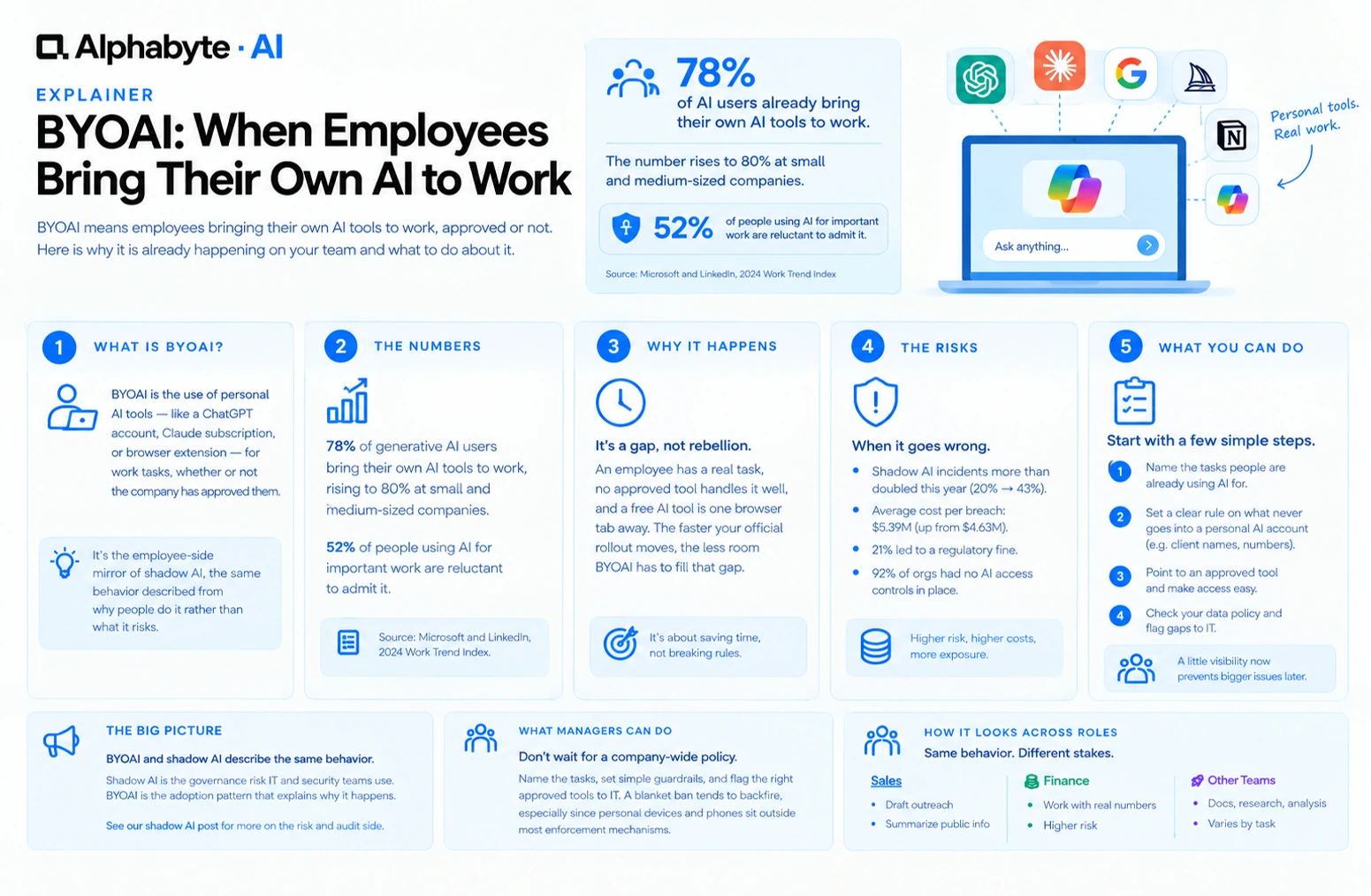
BYOAI: When Employees Bring Their Own AI to Work
78% of AI users already bring their own AI tools to work. BYOAI is not a future trend. It is your team's current reality, whether IT has caught up or not.
Read more →
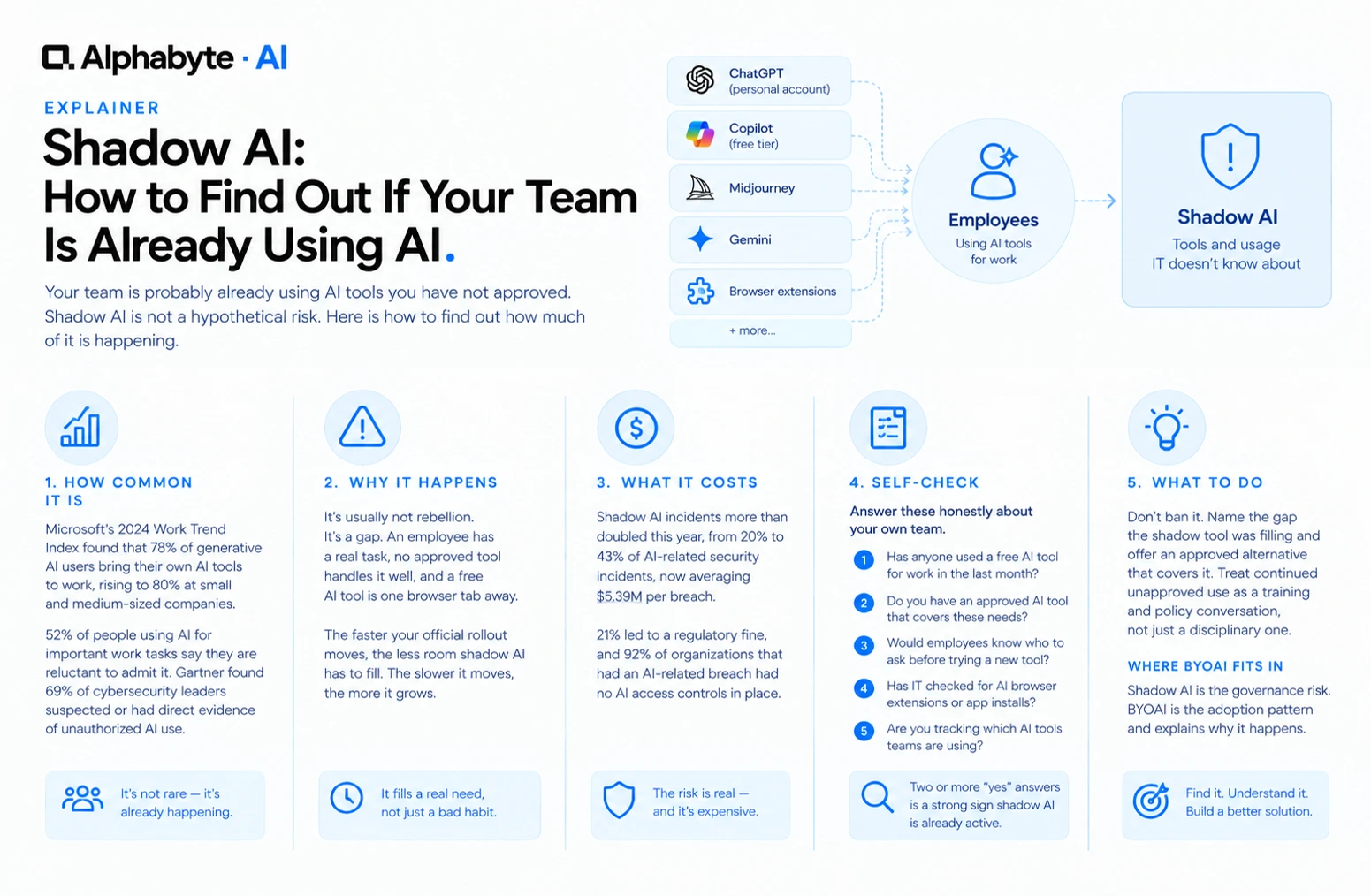
Shadow AI: How to Find Out If Your Team Is Already Using AI
Your team is probably already using AI tools you have not approved. Shadow AI is not a hypothetical risk. Here is how to find out how much of it is happening.
Read more →
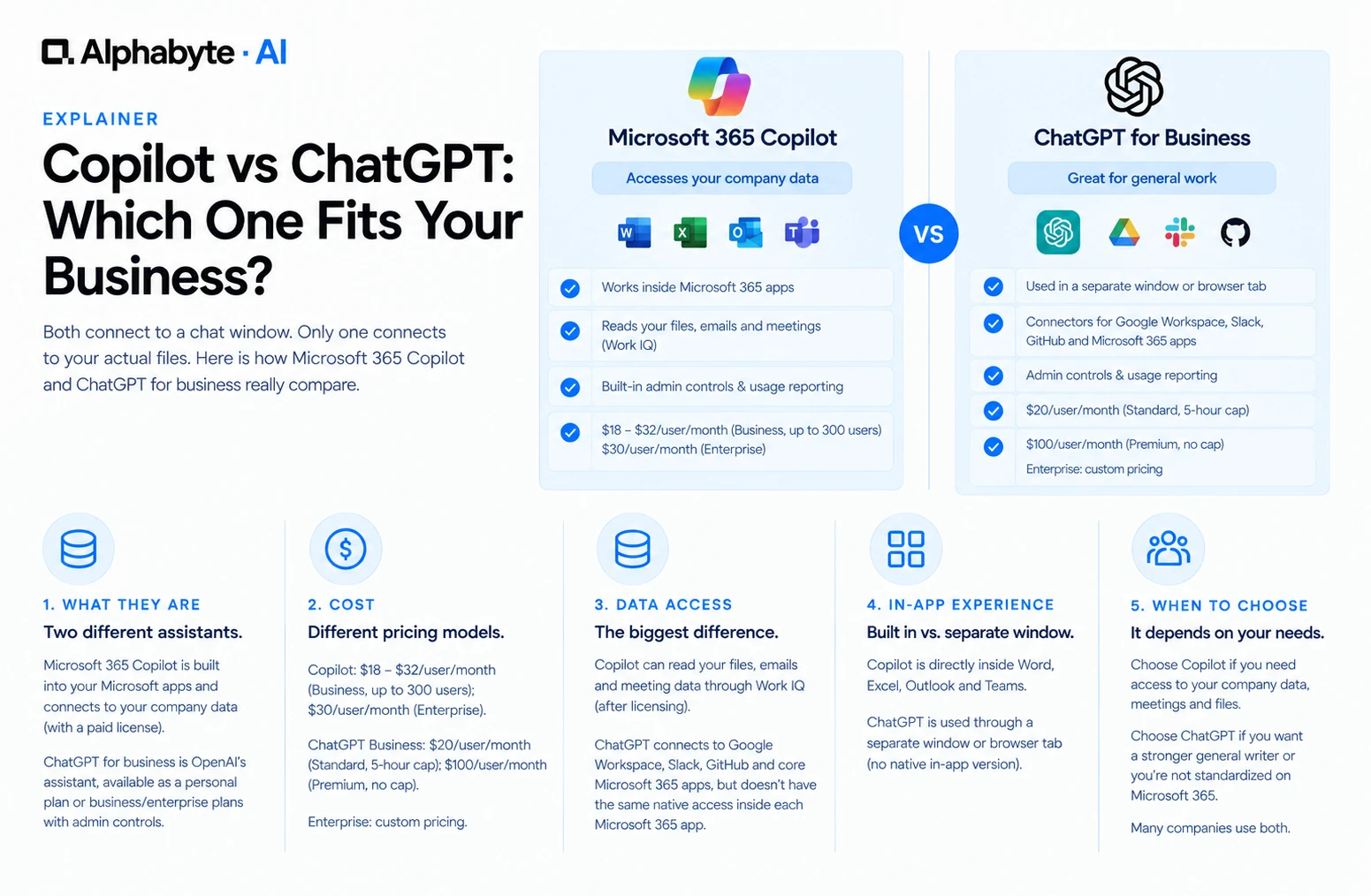
Copilot vs ChatGPT: Which Fits Your Business?
Both connect to a chat window. Only one connects to your actual files. Here is how Microsoft 365 Copilot and ChatGPT for business really compare.
Read more →