What Are Copilot Agents? Use Cases and Examples
A Copilot agent is not just a chatbot with a new name. Here is what makes one, the three kinds Microsoft ships, and where each shows up in real work.

Adam Nameh
September 25, 2026 · 10 min read
In This Article
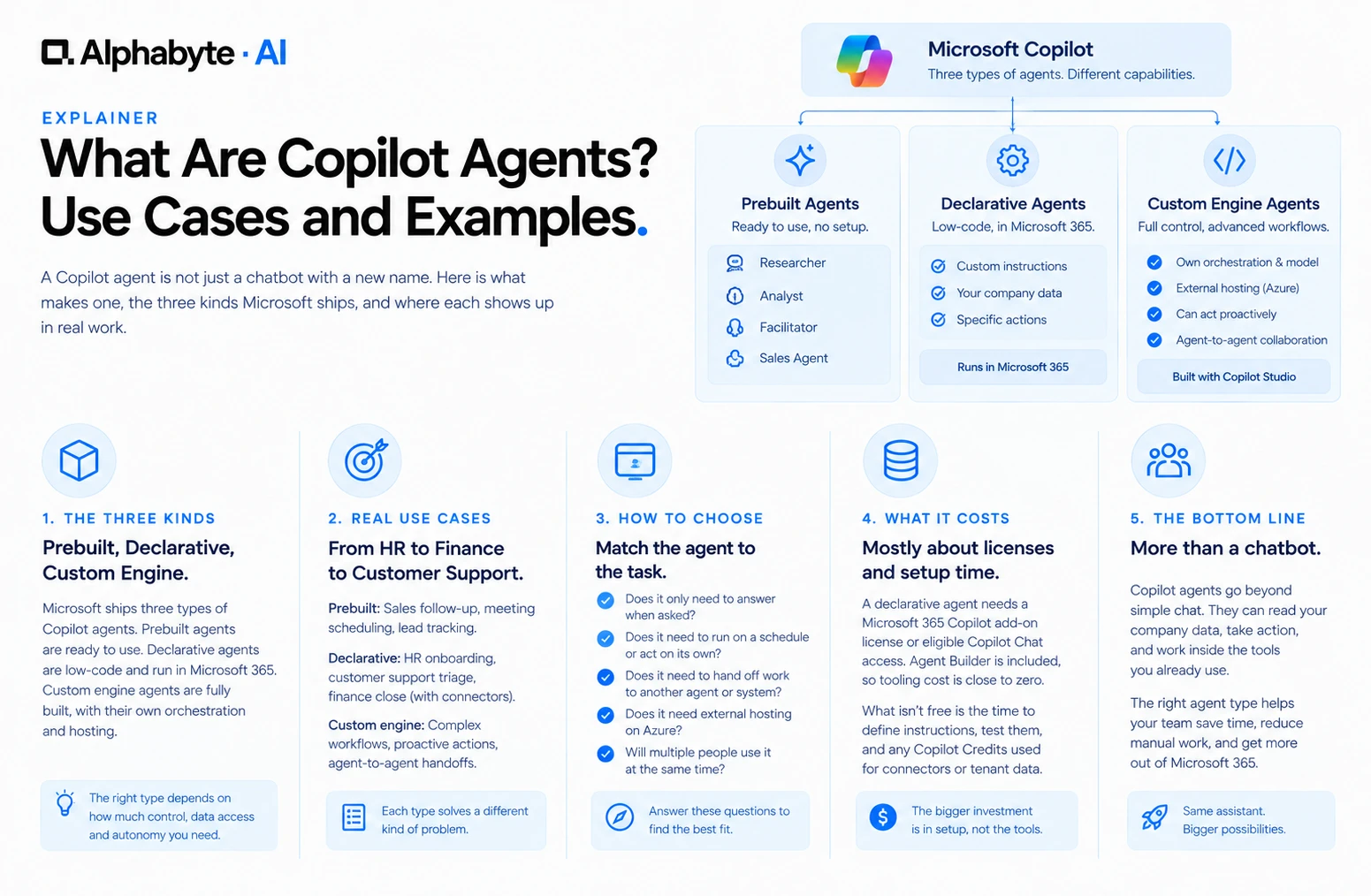
A Copilot agent is a version of Copilot built to handle one specific job, with its own instructions, its own connections to company data, and sometimes its own ability to act without someone typing a new prompt each time. Microsoft ships three distinct kinds, and knowing which one fits a task saves real setup time.
The Three Kinds of Copilot Agent
Prebuilt agents. Agents Microsoft has already built and named, ready to turn on without any setup work. Researcher pulls together information across a person's files and the web into one answer. Analyst works through numbers in a dataset and returns a first-pass summary. Facilitator sits inside a Teams meeting and captures action items as the conversation happens. A Sales Agent for Copilot handles lead follow-up and meeting scheduling for sales teams specifically.
Declarative agents. A lighter custom agent, built with Microsoft's low-code Agent Builder or through Copilot Studio, that uses Copilot's existing orchestration and models but adds custom instructions, a defined set of company knowledge, and specific actions it is allowed to take. A declarative agent runs entirely inside Microsoft 365, needs no separate hosting, and only responds when someone asks it something. It cannot act on its own.
Custom engine agents. A fully built agent with its own orchestration and, if needed, its own model, built for complex workflows a declarative agent cannot handle. These require hosting outside Microsoft 365, typically on Azure, and can act proactively or hand off work to other agents rather than waiting to be asked. They are built through Copilot Studio's low-code tools or through pro-code frameworks like Semantic Kernel.
Real Use Cases by Type
HR onboarding agent. A declarative agent trained on a company's own HR policies, answering a new hire's questions about benefits enrollment or time-off requests without a person in HR fielding the same five questions every week.
Finance close agent. A custom engine agent connected to a general ledger, running as month-end approaches to flag unreconciled accounts before a human ever opens the report, rather than waiting for someone to ask.
Customer support triage agent. A declarative agent that reads an incoming support ticket, checks it against a knowledge base, and drafts a first response for a human agent to review, cutting the time between a ticket landing and a reply going out.
Sales follow-up agent. The prebuilt Sales Agent for Copilot, tracking which leads have gone quiet and drafting a follow-up before a rep has to remember to check manually.
Declarative vs. Custom Engine: How to Choose
Does the task only need to answer when asked, never act on its own? A declarative agent is enough, and it is faster and cheaper to build.
Does the task need to run on a schedule or trigger itself without a prompt? That requires a custom engine agent, since declarative agents cannot act proactively.
Does the task need to hand off work to another agent or system automatically? Custom engine agents support agent-to-agent collaboration; declarative agents do not.
Is the team comfortable with a fully managed, Microsoft-hosted setup, or does it need external hosting on Azure? Declarative agents stay inside Microsoft 365; custom engine agents need their own hosting.
Does more than one person need to work with the same agent at the same time, in a Teams channel or meeting? Declarative agents are built for one person interacting with the agent at a time. Custom engine agents support that kind of group collaboration, several people working in the same thread with the same agent, which is why they fit workflows like a loan approval a manager and an analyst both weigh in on.
What Building One Costs, and Where MCP Fits In
A declarative agent needs people using it to hold a Microsoft 365 Copilot add-on license, or reach it through eligible Microsoft 365 Copilot Chat access. Agent Builder itself is included either way, so tooling cost is close to zero. What isn't free is the time spent defining good instructions and testing them against real questions, and once the agent touches tenant data, a SharePoint site or a Copilot connector, for example, it starts drawing on Copilot Credits under usage-based billing.
A custom engine agent flips the licensing side of that: people don't need a Copilot license to reach it inside Copilot Chat. What it costs instead is build and hosting, since it needs its own orchestration outside Microsoft 365, typically on Azure, plus more setup time, because it is genuinely custom software rather than a configured version of something Microsoft already built.
Both agent types can reach outside Microsoft 365 through MCP, an open standard that lets an agent call a connector built for a specific business system, such as a CRM or a shared drive, without a custom integration for every combination of agent and system.
How to Scope a First Agent Without Overbuilding
Building a custom engine agent for a task a declarative agent could have handled is the most common overspend in early agent projects. Start with the simplest type that solves the real problem, and only move to a custom engine agent once a genuine limitation shows up, such as needing the agent to act without being asked.
The single biggest predictor of whether a first agent project succeeds is how narrow its job is on day one. A team that sets out to build "an HR agent" tends to stall, because that scope covers benefits, time off, onboarding, payroll questions, and a dozen edge cases that never quite get finished. A team that sets out to build "an agent that answers questions from our current PTO policy document, and nothing else," tends to ship in days and expand from there once that first version is trusted.
Write the scope as one sentence. If the sentence needs "and" more than once, the scope is too wide for a first build. Name the exact source document or system the agent is allowed to draw from; an agent with no defined source improvises, and improvised answers on policy questions are exactly where trust breaks first. Decide who reviews wrong answers and how often, since even a well-scoped agent gets something wrong occasionally, and a team with no review process finds out from an angry employee instead of a quiet correction. Set a date to revisit scope: a narrow first agent earns the right to expand only after it has run for a few weeks without a serious miss.
As a company builds more than one or two agents, a consistent naming pattern, department plus task, such as "HR Benefits Q&A" or "Finance Month-End Flag," saves real confusion later. A registry full of agents named after whoever built them or the sprint they were built in becomes hard to navigate within a year, right around the time a new IT lead needs to understand what is running without asking the original builder, who may no longer be at the company.
Governance and Adoption: What to Check Before Launch
Every agent, declarative or custom engine, needs the same access review a new employee would get before touching real company data. Who can see the agent's full conversation logs. What happens if the agent gives a wrong answer to a client-facing question. Whether the agent's permissions match the specific documents and systems it needs, rather than a broad grant that happens to be convenient to set up. Skipping this review because a declarative agent felt too simple to warrant it is a common mistake, since the agent's simplicity has nothing to do with the sensitivity of the data it might touch.
Teams that get real value from a first agent inside 30 days almost always start with a task someone already does manually and repeatedly, not a brand-new capability nobody asked for. The HR onboarding example above works because someone in HR was already answering the same five questions weekly by hand. Measuring the agent's success against that existing manual baseline, fewer repeated questions reaching a person, faster first response, gives a concrete number to report rather than a general sense that the agent is helpful.
That same discipline shows up in Microsoft's own Copilot adoption guidance, which recommends focusing seats in a few areas of the business first, defining specific use cases, and licensing whole teams rather than scattered individuals so people can learn from each other. Building an agent for a well-scoped task inside that same focused group, rather than a separate wide rollout, keeps the agent and the broader Copilot adoption pulling in the same direction.
A company that has already piloted standard Copilot use cases, meeting recaps, drafting, first-pass analysis, is usually in the best position to build its first agent, since the team already understands what Copilot can and cannot reliably do with its own data. Companies that jump straight to agent-building before any standard Copilot use has proven out tend to overestimate what a declarative agent can handle, since the agent inherits the same data-access boundaries as the rest of Copilot. Treating agent adoption as a second phase after basic Copilot use, rather than a starting point, avoids most of the early disappointment.
What to Ask a Vendor Before an Agent Build Starts
What is the one-sentence scope of this agent, in writing? If the answer takes a paragraph, the project is not ready to start yet.
What source documents or systems will it draw from, specifically? Vague answers here predict a vague, unreliable agent later.
Who reviews wrong answers, and how often? Every agent needs this answered before launch, not improvised after the first mistake.
Is this a declarative agent or a custom engine agent, and why? A vendor who cannot answer this clearly may be defaulting to the more expensive option without a real reason.
Alphabyte builds custom AI agents for clients across Copilot, Claude, and MCP-connected systems. We start by identifying which of the three agent types a task needs, since that decision drives cost and timeline more than almost anything else in the project. If you're trying to figure out which kind of agent your team needs, talk to our team before committing to a build.
Frequently Asked Questions
Do I need to be a developer to build an agent?
Not for a declarative agent. Agent Builder is a low-code tool aimed at business users. Custom engine agents generally need developer involvement, especially for external hosting and integrations.
Can a prebuilt agent be customized?
Prebuilt agents like Researcher and Analyst come with fixed behavior. To customize the instructions or connect different data, you build a declarative agent instead.
What happens if a declarative agent needs to act without a prompt later?
It needs to be rebuilt as a custom engine agent, since that proactive capability is not available to declarative agents at all.
Can one agent hand off to another agent automatically?
Only custom engine agents support that kind of agent-to-agent handoff. Declarative agents work independently and cannot trigger each other.
Do agents built in Copilot Studio work outside Microsoft 365?
Custom engine agents built there can run in external applications, not just inside Microsoft 365. Declarative agents stay inside the Microsoft 365 apps they were built for.
How long does a first agent typically take to build?
A declarative agent for a well-scoped task, like answering questions from a defined policy document, often takes days. A custom engine agent with external integrations is closer to weeks.
Do agents introduce new security risks?
Any agent connected to company data needs the same permission and access review as a human employee would. The risk is not the agent itself, it is skipping that review because the setup felt quick.
Adam Nameh
Co-Founder, AI Practice. Adam Nameh is the Co-Founder of Alphabyte Solutions Inc., a Toronto-based data and AI consulting firm that has helped over 100 clients across North America turn complex data environments into actionable business intelligence. With a decade of hands-on experience in data architecture and platform design, Adam works directly with leadership teams to deliver practical AI and data solutions that drive real business outcomes.
View full profile →More from the blog
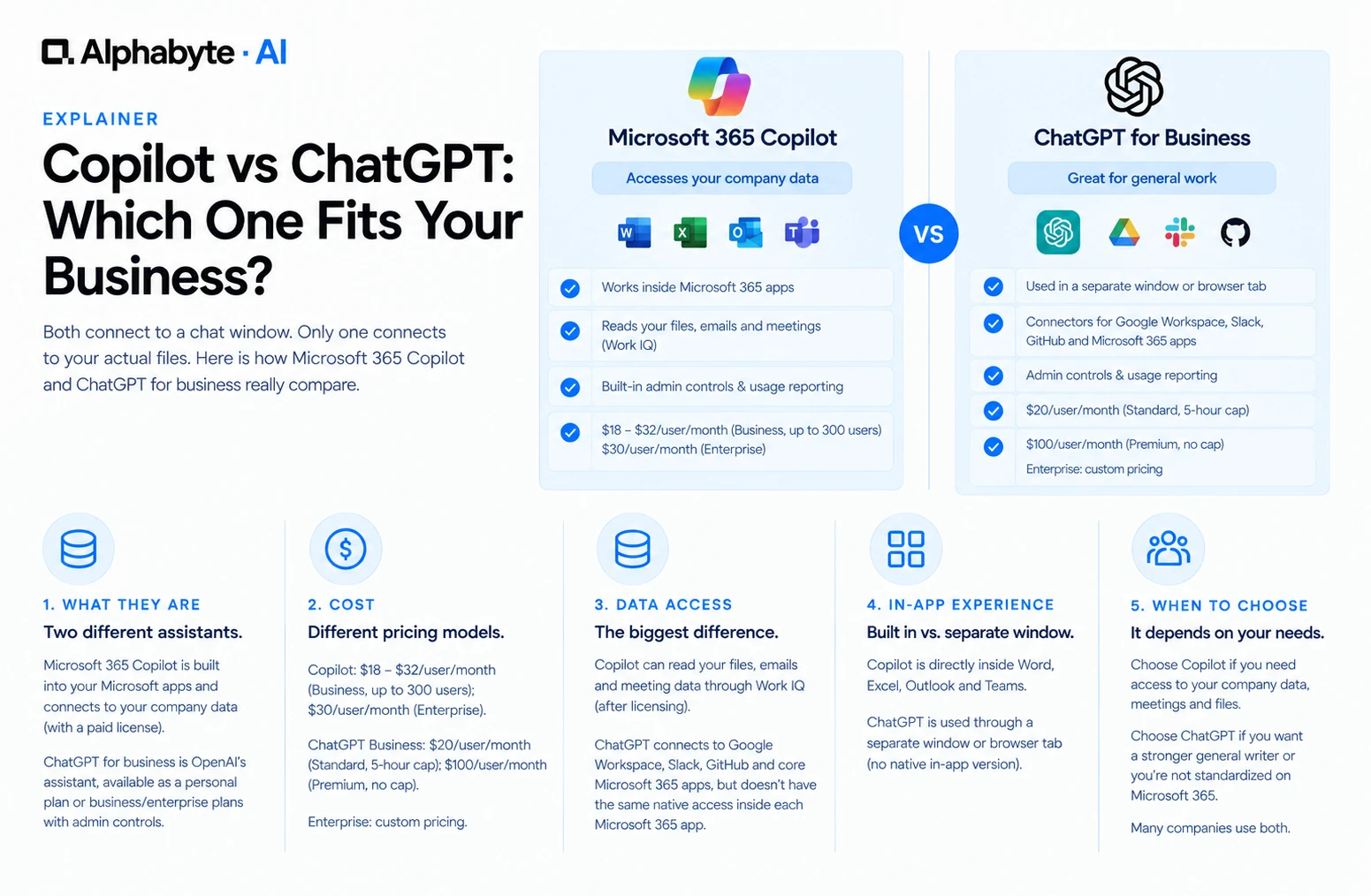
Copilot vs ChatGPT: Which Fits Your Business?
Both connect to a chat window. Only one connects to your actual files. Here is how Microsoft 365 Copilot and ChatGPT for business really compare.
Read more →
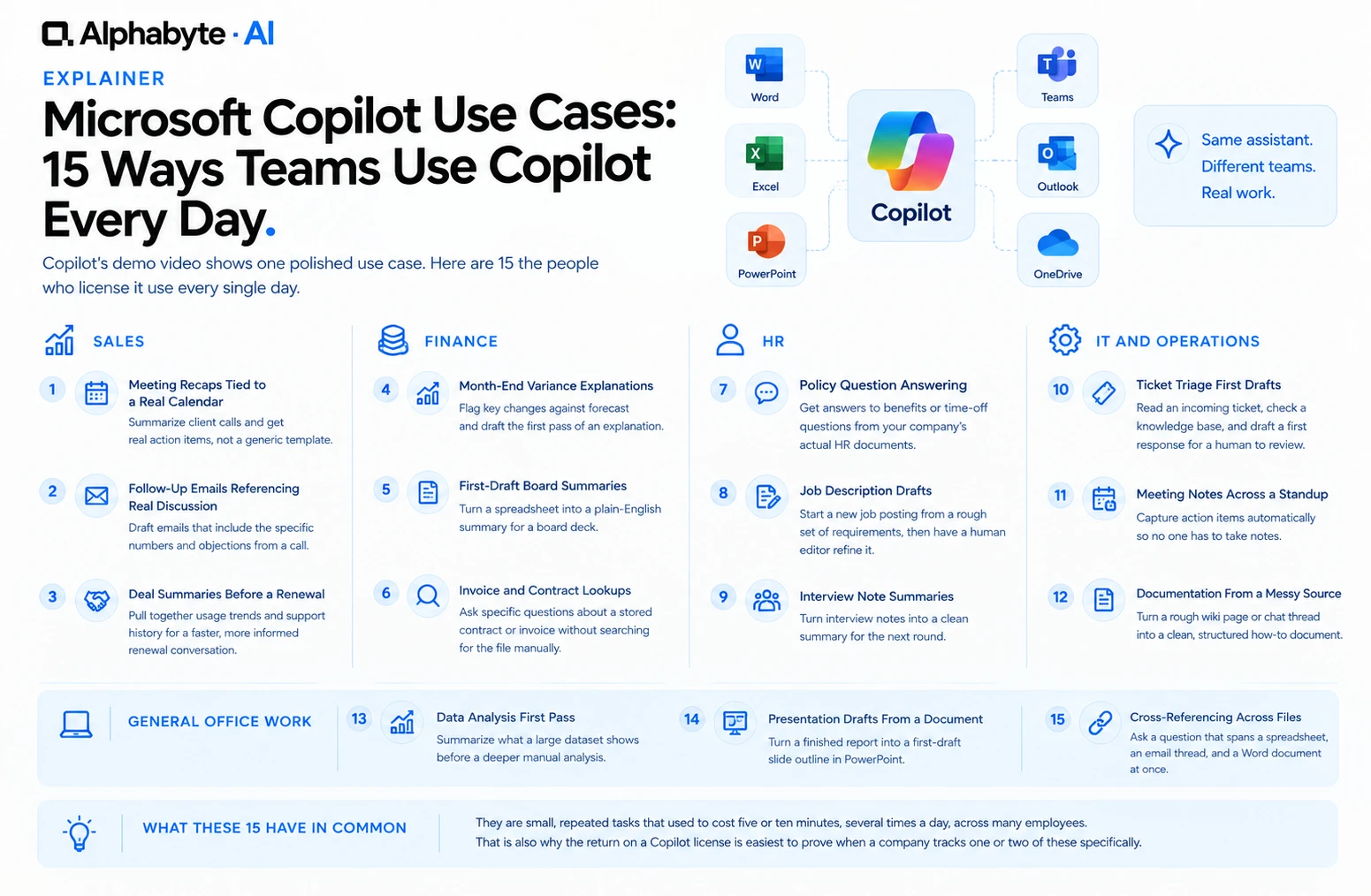
15 Microsoft Copilot Use Cases for Every Team
Copilot's demo video shows one polished use case. Here are the 15 repeated, unglamorous tasks the people who actually license it use every single day.
Read more →
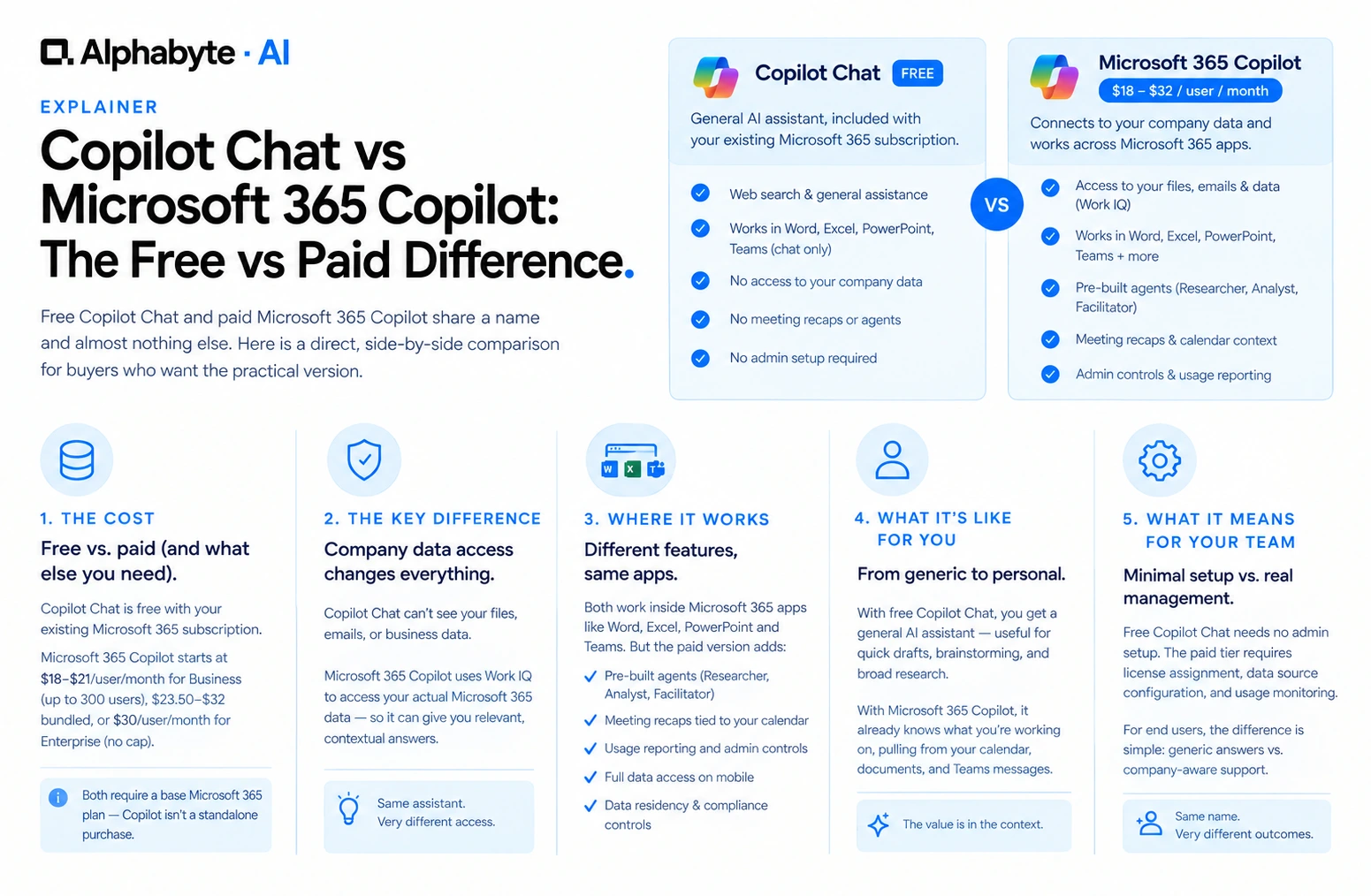
Copilot Chat vs Microsoft 365 Copilot: The Free vs Paid Difference
Free Copilot Chat and paid Microsoft 365 Copilot share a name and almost nothing else. Here is a direct, side-by-side comparison for buyers who want the practical version.
Read more →