Copilot Chat vs Microsoft 365 Copilot: The Free vs Paid Difference
Free Copilot Chat and paid Microsoft 365 Copilot share a name and almost nothing else. Here is a direct, side-by-side comparison for buyers who want the practical version.

Adam Nameh
September 18, 2026 · 8 min read
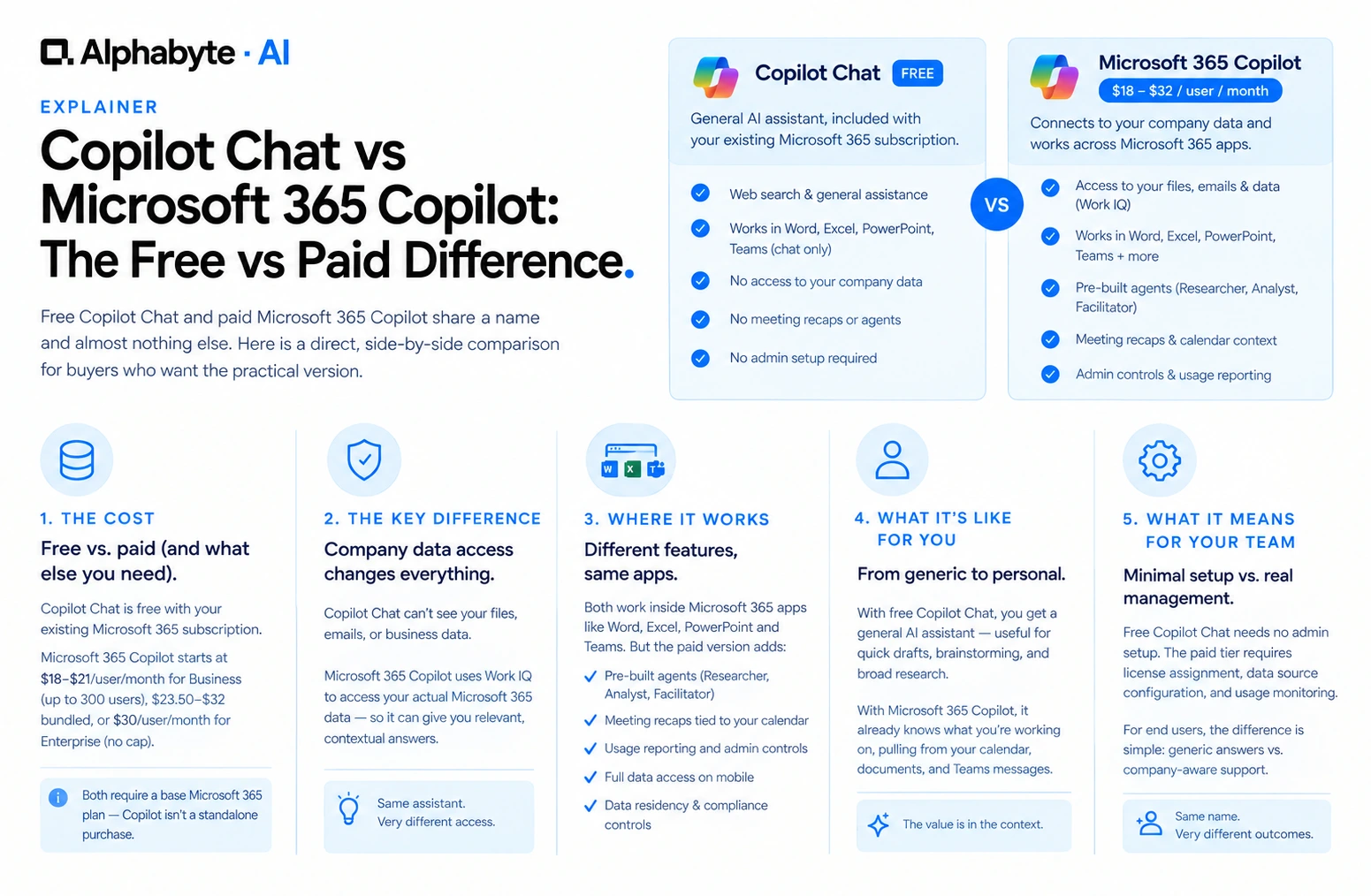
Copilot Chat is Microsoft's free, general-purpose AI assistant, included with existing Microsoft 365 subscriptions. Microsoft 365 Copilot is the paid license, starting around $18 a user per month for organizations on Business plans, that connects the same assistant to your company's actual files, emails, and business data inside Word, Excel, Teams, and Outlook.
Why this matters now
The two products share a name, which is exactly why buyers get this comparison wrong. A team evaluating "Copilot" often does not realize it is choosing between two genuinely different tools, not two versions of the same feature set. For the base-plan math and per-tier pricing behind the numbers below, see our full breakdown of what each Copilot tier actually costs.
What Changes Between Copilot Chat and Microsoft 365 Copilot?
Cost. Free with an existing Microsoft 365 subscription, versus $18 to $21 a user per month for Business (up to 300 users), $23.50 to $32 bundled, or $30 a user per month for Enterprise with no user cap.
Base plan requirement. Both need an existing Microsoft 365 plan. Copilot Chat works with any plan; the paid tier needs a qualifying Business or Enterprise plan specifically.
Sees your company data. No, versus yes, through what Microsoft calls Work IQ.
Works inside Word, Excel, PowerPoint, and Teams. Chat only, versus fully in-app.
Pre-built agents (Researcher, Analyst, Facilitator). Not included, versus included.
Meeting recap tied to your actual calendar. Not possible, versus yes.
Usage reporting and admin controls for IT. None, versus full reporting.
Web search and general assistant tasks. Both tiers cover this equally.
Mobile access. Both tiers work on mobile; only the paid tier carries full data access there too.
Data residency and compliance controls. Limited to general web use on the free tier, versus following your existing Microsoft 365 compliance settings on the paid tier.
What Changes for IT Admins and End Users?
Free Copilot Chat requires essentially no admin setup. It is available the moment a user has an existing Microsoft 365 subscription. The paid tier is different: an admin assigns licenses centrally, configures which data sources and connectors are available, and gets access to usage reporting that shows who is actually using Copilot and for what. That last part matters more than it sounds. Without it, there is no way to know whether a rollout is working beyond asking people directly.
From an employee's seat, the free tier feels like any general AI chatbot: useful, but generic. The paid tier feels like the assistant already knows what they are working on, because it can see their calendar, their documents, and their recent Teams messages. That shift, from a tool you feed information to a tool that already has it, is the entire value of the upgrade. It is also why a short pilot matters: people need to feel that shift firsthand before they understand what they are paying for.
Picture the same employee on the same workday, once with each tier. With free Copilot Chat, she asks for a generic follow-up email template and edits in the client's details herself; asked to summarize that morning's meeting, it has no way to know the meeting happened. With the paid license, connected to her actual calendar and meeting transcript, it hands back real action items in seconds and drafts the follow-up referencing what was actually discussed. Same assistant, same employee, same day. The only difference is whether it can see her actual work.
Where Is Free Copilot Chat Genuinely Enough?
Drafting a generic email, brainstorming, or answering a quick general research question carries no risk here, since no company data is connected in the first place.
Anything involving real documents, meeting notes tied to your calendar, questions about your own numbers, or in-app help while writing in Word or building a model in Excel needs the paid tier. A short way to check: does the team need answers based on your own files, emails, or numbers, not just general knowledge? Does it need Copilot working inside Word, Excel, or Teams directly, rather than a separate chat window? Does IT need visibility into who is using it and how? A yes to any of those is a yes to the paid tier.
How Do You Roll This Out Without Wasting Budget?
The rollouts that hold up under a second-year renewal conversation share one habit: they pick a single defined group and a single measurable task before buying a single license. Pilot one team for 30 days on something concrete, like drafting client follow-ups or summarizing weekly reports, and measure one number, hours saved on that specific task, rather than a general productivity impression.
That number is also what a finance lead actually approves. Naming one task, stating how many people currently do it and how often, and pricing the pilot at that group size is a much easier approval than a company-wide estimate. The same number is what carries into the second-year renewal conversation, when finance asks whether the pilot's result held up across 20 or 50 seats, not just the original 10. Companies that picked a number to track on day one have an easy answer ready.
What Objections Come Up, and How Do You Answer Them?
"We already pay for Microsoft 365, so shouldn't Copilot just be included?" Copilot Chat is included. The version that reads your company's own files and data is a separate license, the same way Microsoft has always separated its core subscription from add-on capabilities.
"Our team barely uses the tools we already have." That is a real reason to pilot with a small group first, not a reason to skip the paid tier entirely if the underlying tasks genuinely take real time today.
"We are worried about where our data goes." The paid tier follows the same permission and compliance settings your company already has in Microsoft 365. It does not send data anywhere outside that boundary by default, which is worth confirming directly with IT before a rollout, not assuming either way.
"Can we just wait for the next Microsoft announcement before committing?" Microsoft revisits Copilot's features and pricing regularly, so there is always a next announcement on the horizon. Waiting indefinitely usually costs more in delayed adoption than it saves in avoided change.
"We are already past 300 employees, so does any of this Business pricing even apply to us?" No. Past 300 users, Business plans and their pricing are not available at all. The comparison still holds feature for feature, but the price to plug in is the Enterprise add-on instead.
This exact comparison is one of the most common questions we get before a rollout starts. We help clients decide which tier fits which group, pilot the license against a real task, and train people on what actually changes once company data is connected. If Copilot is not the only assistant on your shortlist, see our Claude vs Microsoft Copilot comparison for how the two fit together. Talk to our team and bring your specific licensing questions.
Frequently Asked Questions
Can employees use both at once?
Yes. Anyone with a Microsoft 365 subscription already has Copilot Chat. Only specific licensed users get the full Microsoft 365 Copilot features on top of that.
Does upgrading change where company data goes?
The paid license lets Copilot read data you already store in Microsoft 365, under your existing permissions. Access still follows the same permission model you already have in place.
Is there a middle tier between the two?
Yes, in a real sense. Business and Enterprise are a genuine split, not just a naming difference. Business tops out at 300 users and runs $18 to $32 depending on bundle. Enterprise has no user cap, requires an E3 or E5 base plan, and runs $30 a user per month. Which one applies depends entirely on organization size, not preference.
Do the two tiers use the same underlying AI model?
Largely yes. The difference is what data and features the model is given access to, not a fundamentally different model for each tier.
Can a free Copilot Chat user request an upgrade themselves?
That depends on how the company manages Microsoft 365 licensing, but typically an admin needs to assign the paid license centrally, not the individual employee.
Who typically owns the decision between the two tiers inside a company?
Usually a joint call between IT, who manages the licensing and data access, and the department lead sponsoring the pilot, who can speak to whether the specific tasks actually need company data connected.
Adam Nameh
Co-Founder, AI Practice. Adam Nameh is the Co-Founder of Alphabyte Solutions Inc., a Toronto-based data and AI consulting firm that has helped over 100 clients across North America turn complex data environments into actionable business intelligence. With a decade of hands-on experience in data architecture and platform design, Adam works directly with leadership teams to deliver practical AI and data solutions that drive real business outcomes.
View full profile →More from the blog
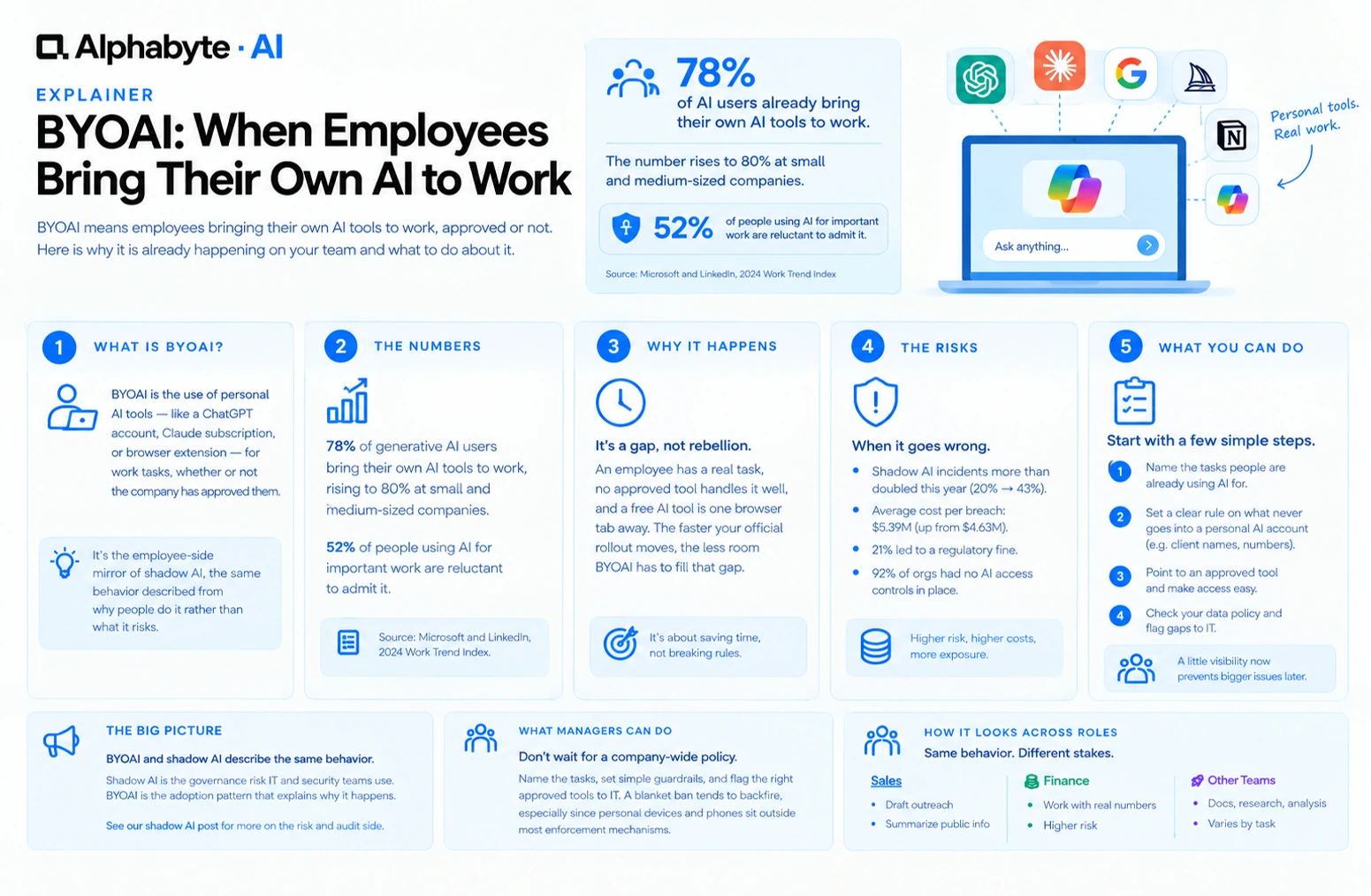
BYOAI: When Employees Bring Their Own AI to Work
78% of AI users already bring their own AI tools to work. BYOAI is not a future trend. It is your team's current reality, whether IT has caught up or not.
Read more →
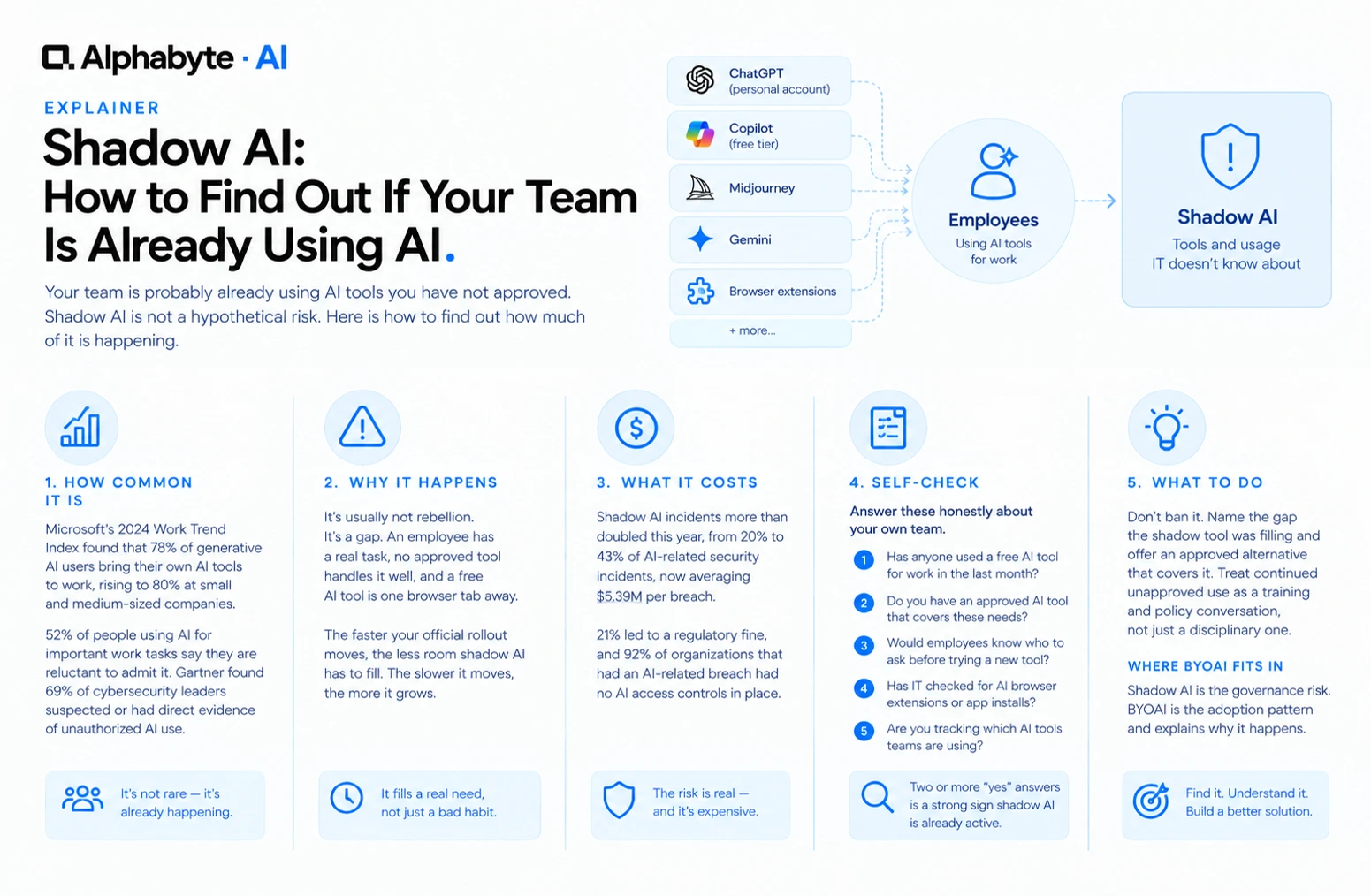
Shadow AI: How to Find Out If Your Team Is Already Using AI
Your team is probably already using AI tools you have not approved. Shadow AI is not a hypothetical risk. Here is how to find out how much of it is happening.
Read more →
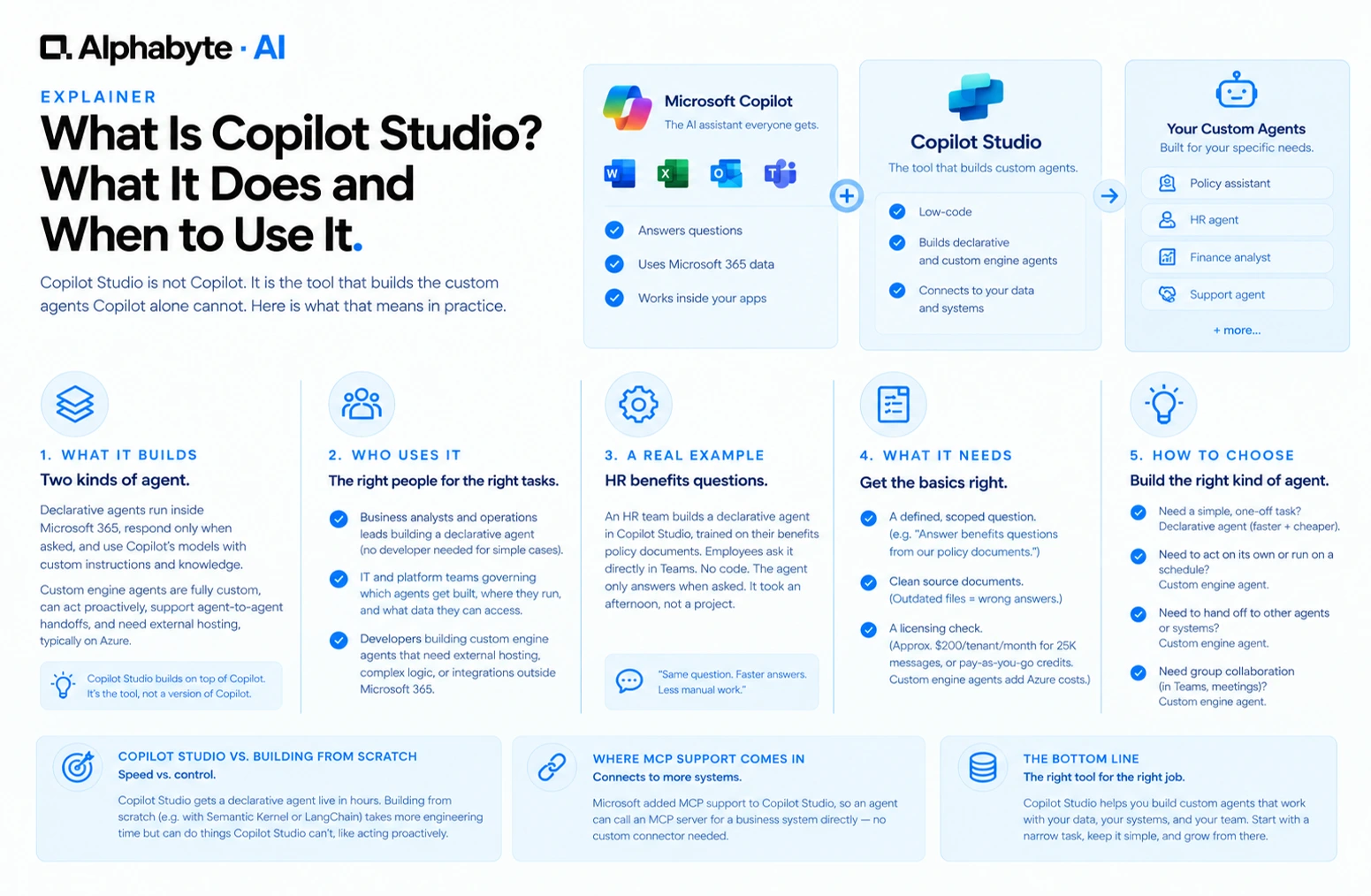
What Is Copilot Studio? What It Does and When to Use It
Copilot Studio is not Copilot. It is the tool that builds the custom agents Copilot alone cannot. Here is what that means in practice.
Read more →