Is Microsoft Copilot Free? What You Get at Every Price Level
Microsoft Copilot has a free tier, but it is missing the one feature most businesses actually want. Here is what each price level actually includes, and what it requires underneath.

Adam Nameh
September 18, 2026 · 9 min read
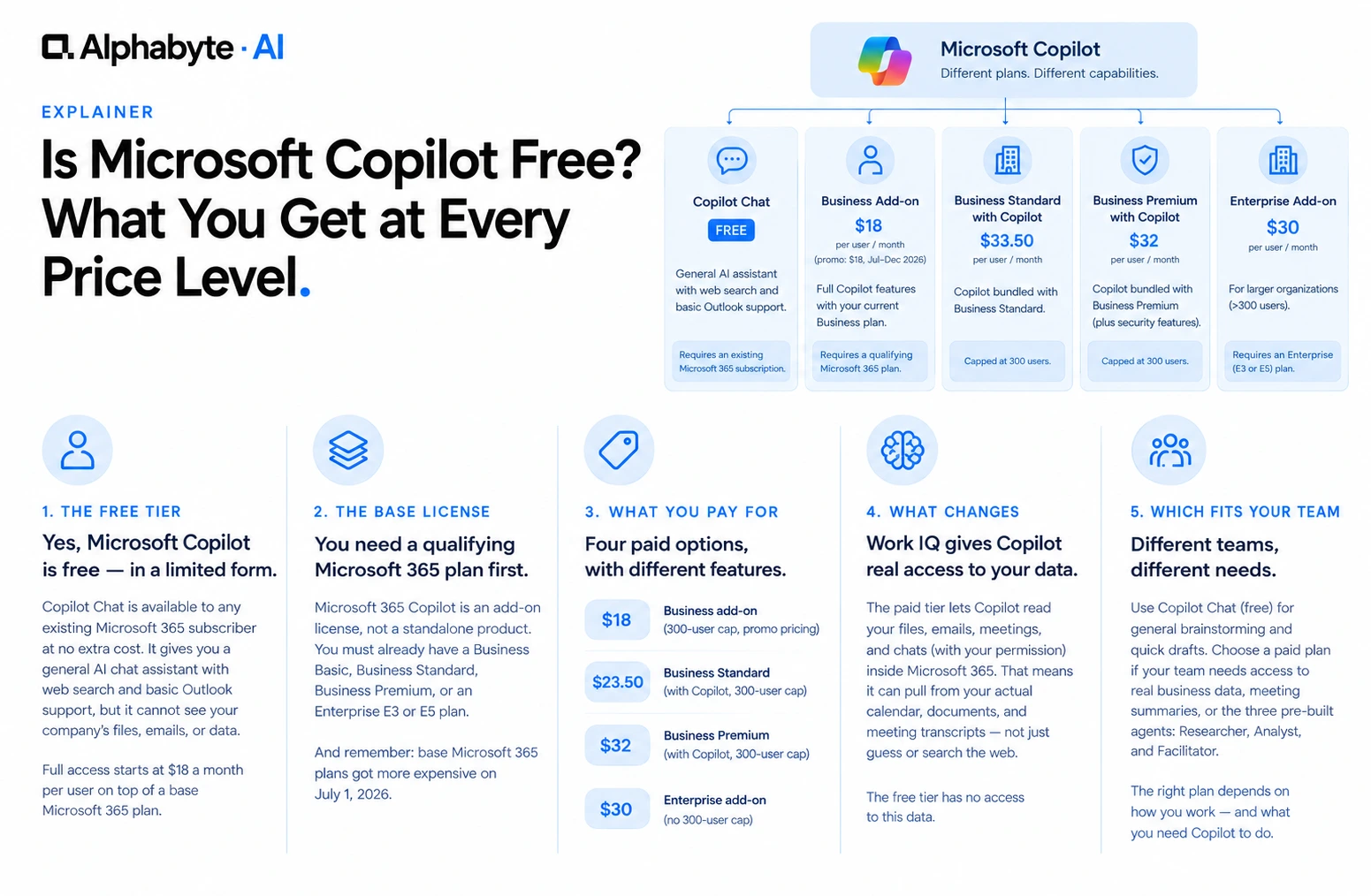
Yes, Microsoft Copilot has a free tier called Copilot Chat, available to anyone with an existing Microsoft 365 subscription. It gives you a general AI chat assistant with web search and basic Outlook support, but it cannot see your company's files, emails, or business data. Full access starts at $18 a month per user, on top of a base Microsoft 365 plan you already need to own.
Why this matters now
Microsoft's base Microsoft 365 plans got more expensive on July 1, 2026: Business Standard rose from $12.50 to $14 a user per month, and E3 rose from $36 to $39. Any Copilot estimate built before that date is undercounting the real total, since every Copilot tier is an add-on to one of these plans, not a standalone purchase.
What Does Free Copilot Chat Actually Include?
Copilot Chat is available to any existing Microsoft 365 subscriber at no extra cost, and it shows up directly inside apps you already use, including a Copilot icon in Word, Excel, and Outlook on the web. What it gives you is a general-purpose AI assistant: it can search the web for current information, draft generic text, summarize a pasted document, or answer a general question, the same way any standalone AI chatbot would.
The one thing it consistently cannot do is see anything specific to your company. It has no access to your files, your emails, your CRM, or any other business data, even if that data is sitting in the next browser tab.
What Base License Do You Need Before Any of This?
Microsoft 365 Copilot is not something a company buys on its own. Every price below is a license added on top of a qualifying Microsoft 365 plan the company already pays for, such as Business Basic, Business Standard, Business Premium, or an Enterprise E3 or E5 plan. A company evaluating the $18 add-on needs to price that add-on alongside the base plan underneath it, not instead of it.
What Do the Paid Tiers Actually Cost?
Business add-on, up to 300 users. $21 a user per month on an annual commitment, standard rate. Microsoft is running a promotional rate of $18 a user per month between July 1 and December 31, 2026, first year only, per Microsoft's own pricing page as of this writing. This is the option for a company that wants Copilot's full features without changing its existing Business plan.
Business Standard with Copilot. $23.50 a month per user, bundling Copilot into the Business Standard plan. Capped, like all Business plans, at organizations of up to 300 users.
Business Premium with Copilot. $32 a month per user, bundled with Business Premium, which also adds device management and advanced security features some companies need regardless of whether they add Copilot. Also capped at 300 users.
Enterprise add-on (E3 or E5, no 300-user cap). $30 a user per month on an annual subscription. This is the tier for any organization past the 300-user Business ceiling, and it requires an Enterprise base plan rather than a Business one.
Microsoft calls the paid tier's data access Work IQ. In practice, it means Copilot can read the files, emails, meetings, and chats you already have permission to see inside Microsoft 365, and use that as context for an answer. Ask paid Copilot to summarize this week's meetings with a specific client, and it pulls from your actual calendar and meeting transcripts. Ask free Copilot Chat the same question, and it has nothing to pull from, so it can only guess or ask you to paste the information in yourself.
The paid tier also includes three pre-built agents: Researcher pulls together information across your files and the web for a first pass on a topic before a meeting; Analyst does a first pass on a dataset before a person reviews it; Facilitator runs a Teams meeting and captures action items as the conversation happens.
What Does This Cost for a Real Team?
Licensing is per user, so the total scales directly with how many people need it, and the base plan underneath is part of the real number.
A 50-person company on Business Standard, now $14 a user per month after the July 2026 increase, decides 15 people, the ones actually working inside Word, Excel, and Teams daily, need the add-on license. That is 15 times $18, or $270 a month, at the current promotional rate, on top of the $14 base plan those 15 people already need. The same 15 seats on Business Premium's bundled rate would run 15 times $32, or $480 a month all-in, replacing the separate base plan cost entirely.
A 400-person company sits above the 300-user Business ceiling entirely, so it is pricing Enterprise from the start. If that company standardizes on Microsoft 365 E3, now $39 a user per month after the July 2026 increase, and licenses 120 heavy users for the $30 Enterprise Copilot add-on, the add-on alone runs 120 times $30, or $3,600 a month, on top of 120 times $39, or $4,680 a month, for the E3 base plan those users already need. That is $8,280 a month combined, not the $3,600 a rushed estimate based on the add-on price alone would suggest.
The number that matters is not the per-user add-on price alone. It is the add-on price plus the base plan price, times the number of people who will genuinely use it daily, not the number of people in the building.
Which Price Level Fits Which Team, and What Do Companies Get Wrong?
A team that wants a general AI chatbot for brainstorming and quick drafts is covered by free Copilot Chat. A team that wants Copilot to read actual files, summarize meetings tied to real documents, or work inside Word and Excel needs the paid license. A larger organization already planning to move to Business Premium picks up Copilot at $32 a month alongside security features it likely needs anyway. An organization past 300 users skips the Business tier entirely and prices the $30 Enterprise add-on against an E3 or E5 base plan instead.
A quick way to check which side of the line your team sits on: if the honest answer to does this task need our own documents, emails, or numbers is no, free Copilot Chat covers it. If the answer is yes even some of the time, the paid license is what actually solves the problem, not a workaround.
The same few mistakes show up on nearly every rollout we see. Pricing the add-on without the base plan underneath it, when the qualifying Microsoft 365 plan each user already needs is the other half of the bill. Buying for everyone on day one, before anyone has tested real workflows, which tends to produce unused licenses and a hard time proving return on the spend. Assuming the bundle is always cheaper, when Business Premium with Copilot at $32 only makes financial sense if the company also needed Premium's other features anyway. And missing the 300-user ceiling, past which Business pricing simply is not available and Enterprise is the only path.
Microsoft revisits Copilot pricing and bundling periodically, which is part of why the current $18 rate is explicitly promotional; it runs through December 31, 2026, then renews at the standard $21 rate. Budget for the license mix to be revisited annually, not fixed.
For teams weighing Copilot against other assistants, we've written a direct comparison in Claude vs Microsoft Copilot and Claude vs ChatGPT Enterprise. Most vendors use a similar structure, a lower-cost or free general chat tier and a higher per-seat price for a version connected to company data, and for a company already on Microsoft 365, Copilot's paid tier has the advantage of using infrastructure already in place.
Alphabyte works with mid-sized companies moving from general Copilot curiosity to a licensed, adopted rollout. That includes deciding which tier, base plan, and seat count actually make sense, piloting with one team before expanding, and training people past the point where a license gets bought and then barely used. Talk to our team about pricing out a rollout for your actual headcount, not a generic estimate.
Frequently Asked Questions
Does every Microsoft 365 plan include free Copilot Chat now?
Current Microsoft 365 business and enterprise subscribers can use Copilot Chat at no extra cost, though features roll out gradually across regions and plans.
Is the $18 a user per month price permanent?
No. That is a promotional rate Microsoft has published as running from July 1 through December 31, 2026, first year only. The regular price after that is $21 a user per month, and that is only the Business-tier price; Enterprise is a separate $30 add-on.
Can I trial the paid tier before buying licenses for the whole team?
Yes. Microsoft licenses are assigned per user, so most companies pilot with a handful of seats before deciding whether to expand.
Does the free tier ever get Copilot inside Word or Excel directly?
Not currently. In-app Copilot inside Word, Excel, PowerPoint, and Teams is part of the paid Microsoft 365 Copilot license, not the free Copilot Chat tier.
Can a company mix license types across its team?
Yes, and most do. Licenses are assigned per user, so it is common to license a smaller group first and expand as adoption proves out.
What happens once an organization grows past 300 users?
Business plans, and the $18 to $32 pricing tied to them, are only available to organizations of up to 300 users. Past that point, an organization needs an Enterprise base plan and the $30 Enterprise Copilot add-on instead.
Adam Nameh
Co-Founder, AI Practice. Adam Nameh is the Co-Founder of Alphabyte Solutions Inc., a Toronto-based data and AI consulting firm that has helped over 100 clients across North America turn complex data environments into actionable business intelligence. With a decade of hands-on experience in data architecture and platform design, Adam works directly with leadership teams to deliver practical AI and data solutions that drive real business outcomes.
View full profile →More from the blog
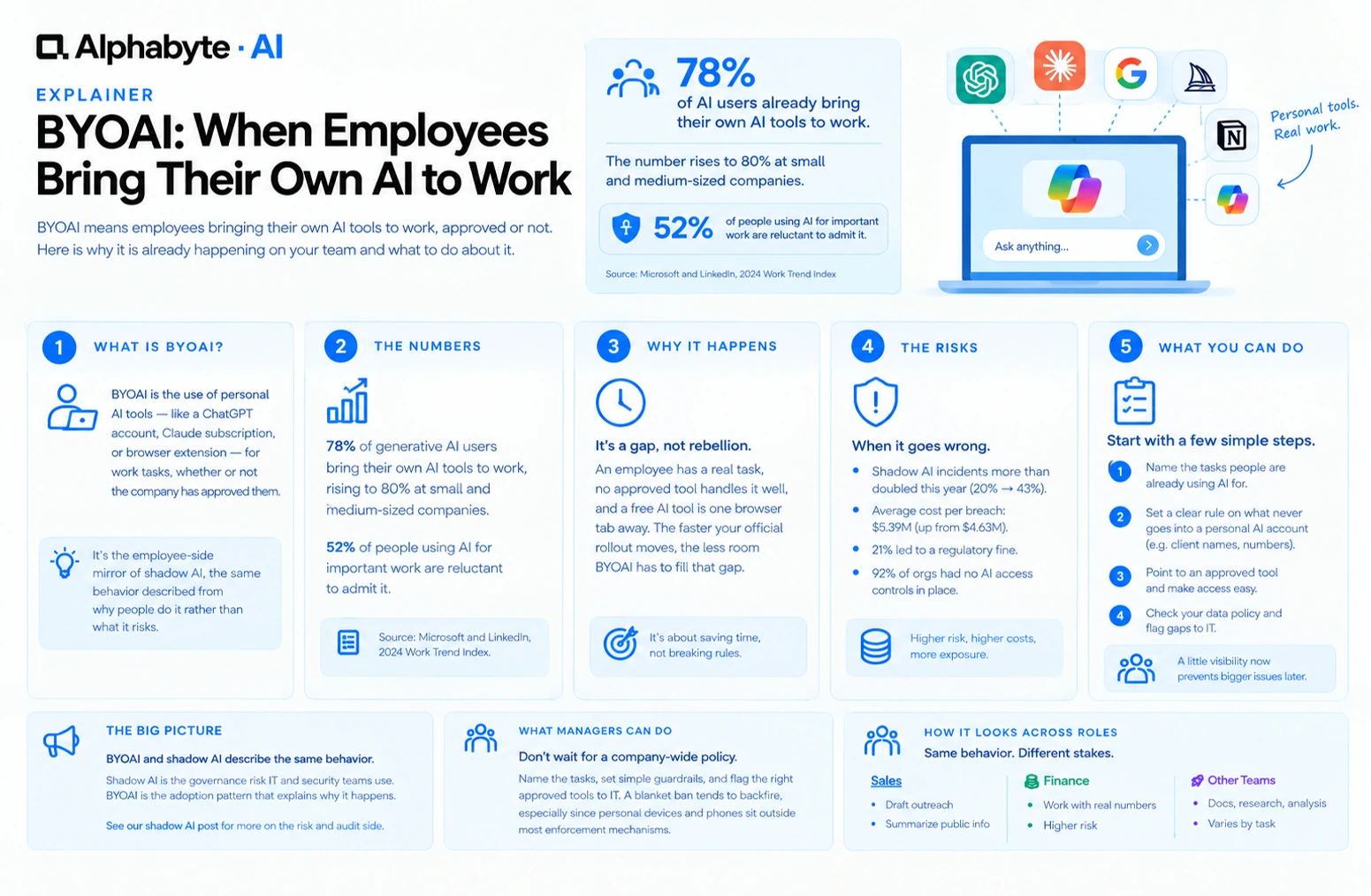
BYOAI: When Employees Bring Their Own AI to Work
78% of AI users already bring their own AI tools to work. BYOAI is not a future trend. It is your team's current reality, whether IT has caught up or not.
Read more →
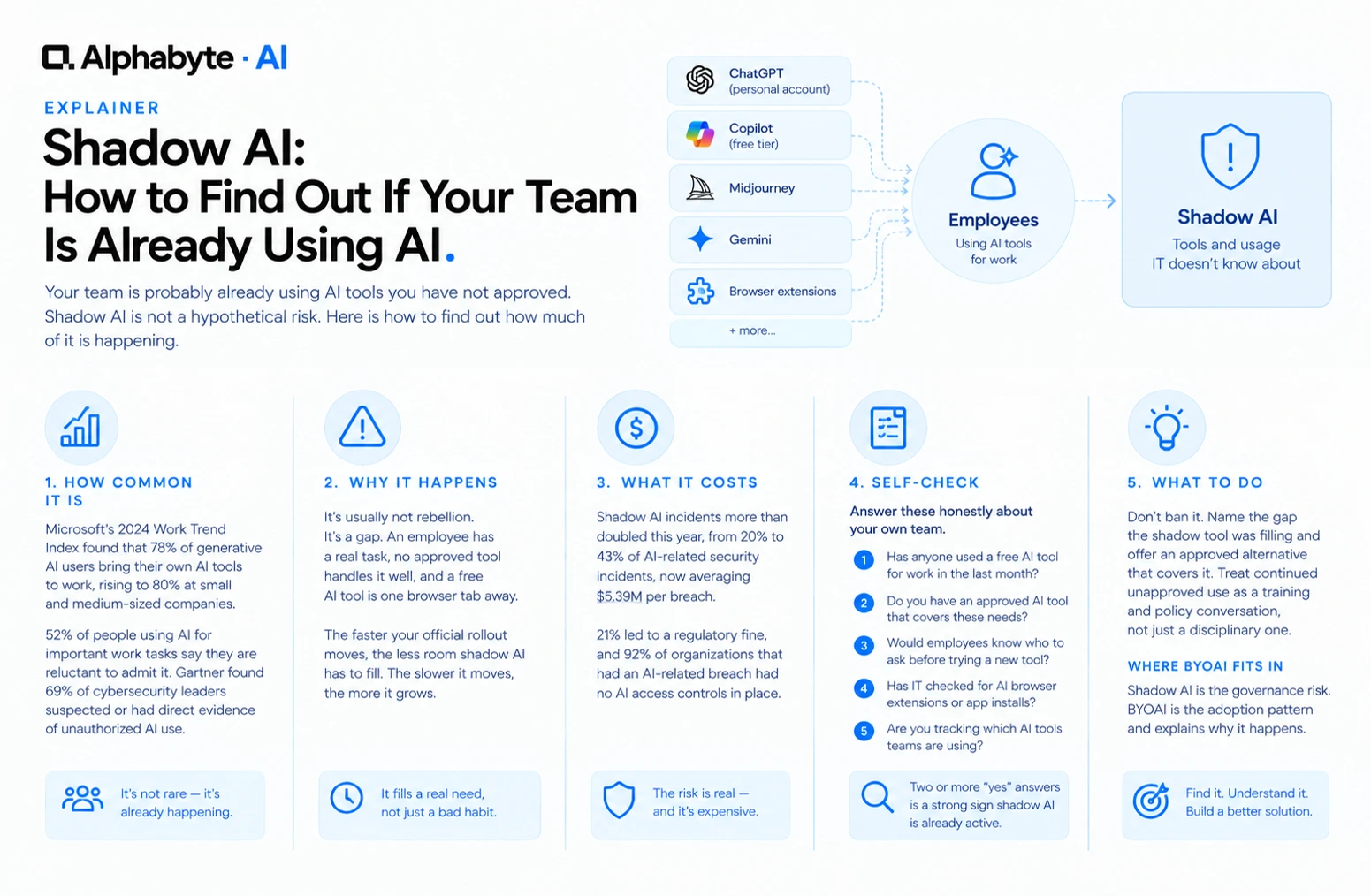
Shadow AI: How to Find Out If Your Team Is Already Using AI
Your team is probably already using AI tools you have not approved. Shadow AI is not a hypothetical risk. Here is how to find out how much of it is happening.
Read more →
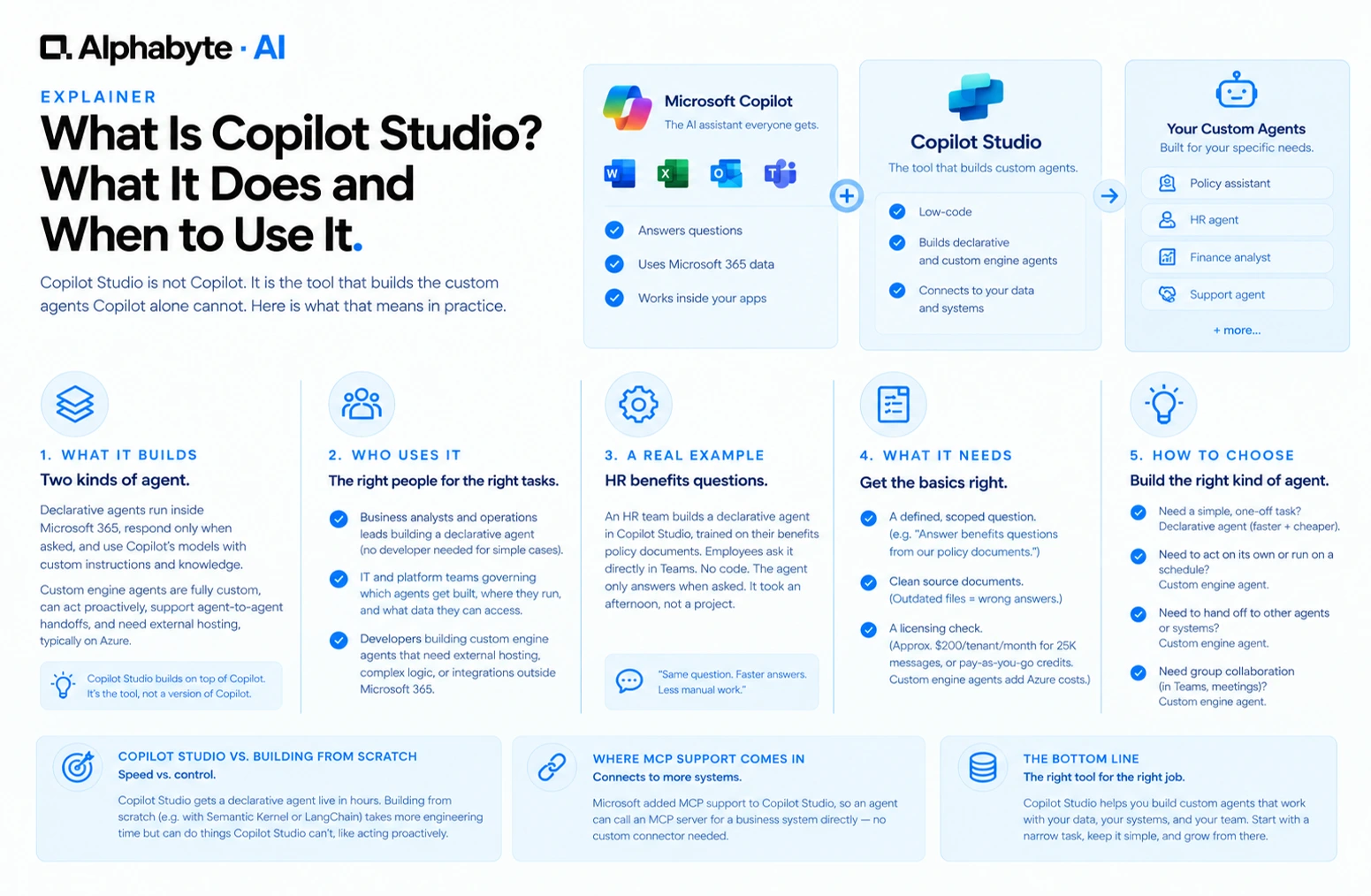
What Is Copilot Studio? What It Does and When to Use It
Copilot Studio is not Copilot. It is the tool that builds the custom agents Copilot alone cannot. Here is what that means in practice.
Read more →